
 Light
Light
 Dark
Dark
 System
 Submit
 Community
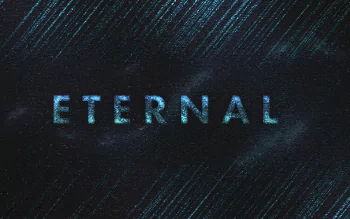
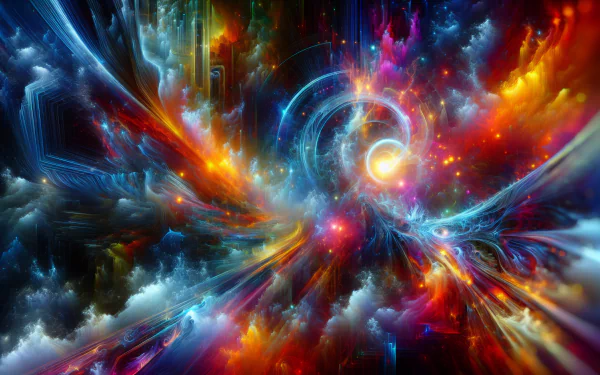
Eternal by SiriusLee 
 Attribution
Created By:
SiriusLee
 Free For Private, Personal Use
(for any other usage, please contact the artist)
Additional Info from SiriusLee:
Oh, right, if you want to do something like this yourself:
Those rectangles/tiles were made with Filter Gallery -> Patchwork, Poster Edges, (And another one I can't remember. You'll figure this out yourself if you go through the different filters.)
As for the diagonal "lighting":
Add Noise (monochromatic) to a black layer. Then motion-blur it. Done. Additionally I made a layer with a black n white render of Clouds, then Difference Clouds and motion-blurred it at the same angle. Then I set one of these layers to screen or overlay or something. Use an adjustment layer like Curves or Levels to adjust the contrast.
The text:
Is basically just selected text - I used a randomized brush (jitters high, custom form) to paint over the selection of the text on a different layer. I did this with opacity set to around 30 percent, switching between different colors (blue, light blue, green) . Then made copies of that layer, blurred some of them, set the mode to Color Dodge/Overlay whatever and used some effects like Inner Glow and Gradients.
Lastly I used one Color Lookup, then a Curves and then another Color Lookup layer.
 Interact
 Free Download
 21 Like
 8 Favorite






 Organization

 Stats/Info
 38,098
 Comments
Related Wallpapers


 604
604

 HD Wallpaper (2912x1632)
 robokoboto
 samim_hasan
 rex11130
 henzorro
 wildflower1555
 AndrieriStefano
 patrika

 lonewolf6738
 Andeavenor
 spacelephant
 Starkiteckt
 AlphaSystem
 Bobby99z
 brunette
 QuantumCurator
Awesome work